
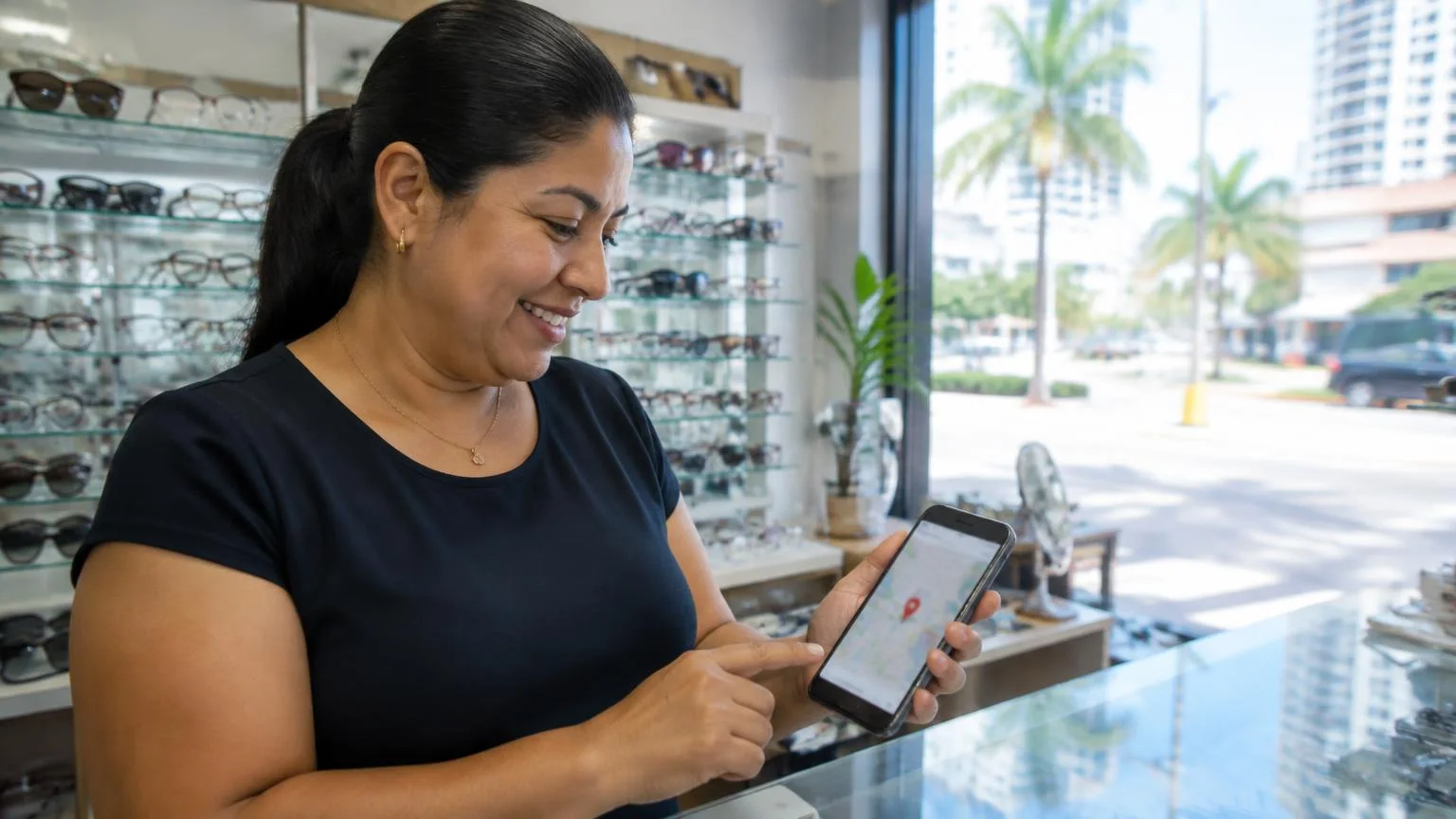

Someone in Panama City types “optician near me” and Google shows them three businesses on a map. Most people choose among those three and never scroll further. If your business isn't there, then for that person it simply doesn't exist, even if you're two blocks away. That's what local SEO is: the work of organizing your presence on Google so it shows you when someone searches for what you offer in your area. The good news is that you can start a good part of that work today, without paying for ads.
In short
- The Google map depends mostly on your Google Business Profile, not just on your website.
- Google decides based on relevance, distance and prominence; nobody can pay to move you up.
- A complete, verified profile, the same details everywhere and a steady flow of reviews.
- Results show up within weeks: measure every month in your own profile.
What local SEO is and how it differs from regular SEO
Regular SEO aims to get your website into Google's results. Local SEO focuses on searches that have a place behind them, even if the person doesn't type it: “dentist nearby,” “hardware store open now,” “restaurant for a birthday.” For those searches, Google first shows a map with three businesses.
That map block doesn't depend so much on your website as on your Google Business Profile, the listing that appears with your name, your photos, your hours and your reviews. That's why a small business with a well-kept profile can show up above a large company that never completed theirs.
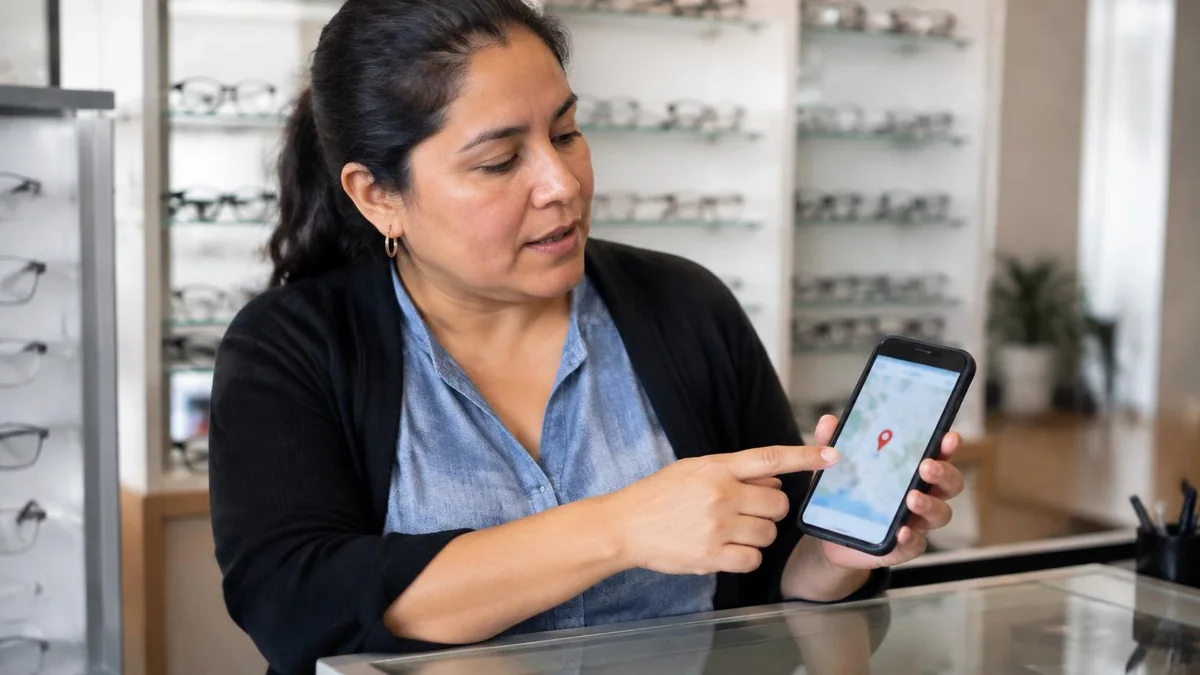
How Google decides which businesses to show on Maps
Google explains it with three ideas. Understanding them saves you a lot of guesswork:
- Relevance. How well your profile matches what the person searched for. If you sell auto parts but your category says “store,” Google doesn't know you're the best answer.
- Distance. How close you are to the person searching, or to the area they typed. You can't change this, but you can tell Google clearly where you serve customers.
- Prominence. How well known and trustworthy your business seems: how many reviews you have, what they say, whether other sites talk about you and whether your information is the same everywhere.
No agency can pay Google to move you up on the map. What you can do is work on those three things well, with patience.
Step 1: your Business Profile, complete and verified
It's the foundation of everything. You create the profile for free through Google, and it has to be verified (usually with a short video of the place or with a code). Without verification, it barely shows up.
Then complete it as if it were your storefront window:
- A precise primary category. Choose the one that describes your main activity (“Dental clinic,” not “Health”). You can add secondary categories for other services.
- Your real hours, including holidays. Each country has its own (in Panama, for example, there are many throughout the year), and Google reminds you when one is coming up; updating your hours keeps someone from showing up only to find you closed.
- Services or products with a short description of each one.
- Your own photos: the storefront, the inside, your team at work and what you sell. Real photos build more trust than catalog ones.
- A clear description of what you do and who it's for, without repeating keywords like a list.
Step 2: your address, even though Panama doesn't always have street numbers
Many addresses in Panama are given with landmarks: “diagonal from the church,” “across from the supermarket.” Google works better with a well-placed pin: drag it to your business's exact door and write the address briefly and always the same way.
If you serve customers at their location and don't receive them at a storefront, you can hide your address and set your service areas: the cities or provinces where you work. That way you show up in those areas without showing your home.
Step 3: the same details everywhere
Google compares what your profile says with what your website, your social media and the directories where you're listed say. If you have one phone number on Facebook, another on your website and a third on your profile, Google hesitates. Make sure your business name, address and phone number are identical on:
- your website, especially in the footer and on the contact page;
- Facebook, Instagram and WhatsApp Business;
- directories and yellow pages where you're already listed.
It's one of the things that confuses Google the most, and one of the easiest to fix.
Step 4: reviews, the part that counts most
Reviews have the biggest influence on prominence, and they're also the first thing a new customer reads before reaching out to you. Some habits that work:
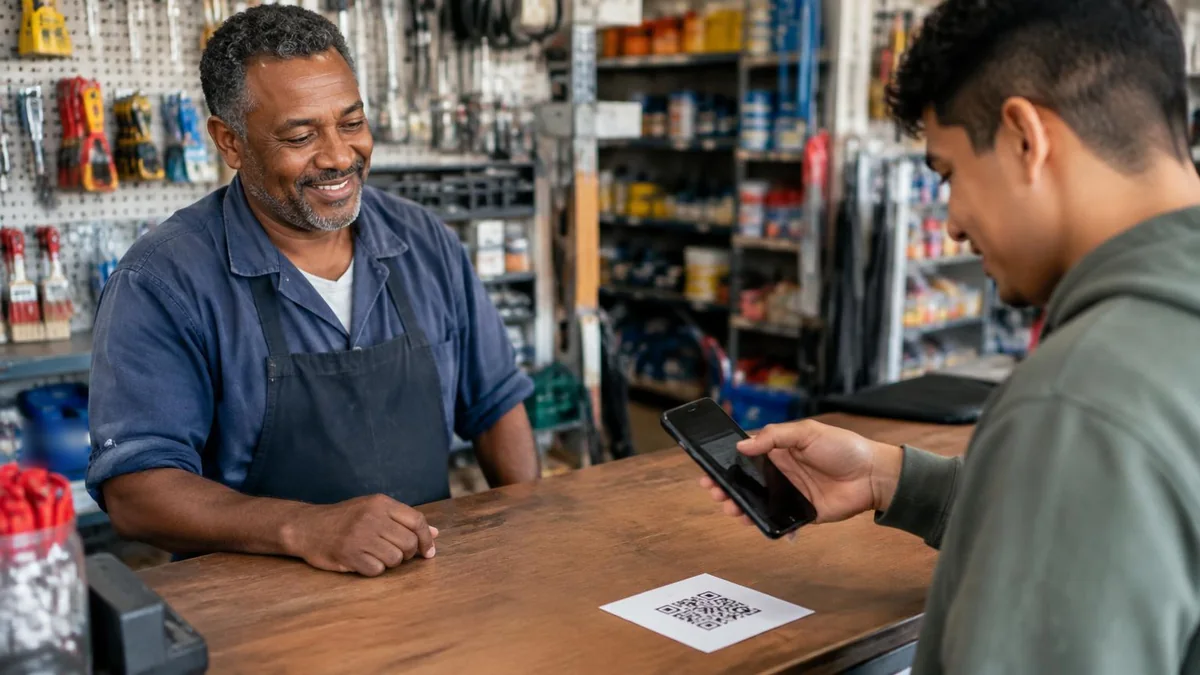
- Ask at the right moment: when you deliver a job or the customer thanks you. Google gives you a short link and a QR code to share; send it on WhatsApp with a personal message.
- Reply to all of them, including the negative ones. A calm reply that acknowledges the problem and offers a solution tells a new customer more than ten perfect reviews.
- Don't buy reviews or offer discounts in exchange for them. Google detects them, deletes them and can penalize your profile.
If you'd like to organize those review requests within your chats, we walk you through it step by step in our guide WhatsApp Business to sell more.
Step 5: a website that backs up your profile
Your profile draws people in, but many of them visit your website before deciding. Make sure each important service has its own page, that the area you serve comes up naturally in your content and that the link on your profile leads to the most useful page, not always the home page.
That connection between profile and website is exactly what we work on when we help a business show up on Google consistently.
Step 6: post on your profile and keep it active
Your Business Profile lets you post updates, offers and events. One update a week, with your own photo and a link to your website, shows that the business is active. And if people always ask you the same thing on WhatsApp, answer it on your profile too.
Common mistakes that take you off the map
- Adding keywords to your business name (“El Clavo Hardware best prices”). It goes against Google's rules and can get your profile suspended.
- Having two profiles for the same business. The reviews get split up and neither one stands out.
- Leaving your profile in the hands of someone who no longer works with you without having owner access yourself.
- Changing your name or address too often, which can trigger a new verification.
How long it takes to see results
Changes to your profile show up in weeks, not days. The most useful thing you can do is measure: your Business Profile shows how many people found you, asked for directions or called you. Check those numbers once a month.
Everything above works the same way if your business is in Colombia, Spain, the United States or any other country: Google uses the same three criteria everywhere. What changes are the local details, like holidays, the way addresses are written and the directories people use most in each place.
Frequently asked questions about local SEO
Do I need a physical location to show up on Google Maps?
No. If you serve customers at their location or online, you can create your profile with service areas and hide your address. What you can't do is list an address where you don't serve customers, like a virtual office you don't use.
Can I show up in several cities or in another country?
With a single profile, you'll mostly show up near your location or your service areas. If you have real branches in different cities, each one can have its own profile. To reach other areas without a branch, it really helps for your website to have pages built for those cities. And if you serve customers in another country, like Colombia, Spain or the United States, a dedicated page for that market usually works better than trying to appear on a map where you don't have a location.
Does local SEO also help artificial intelligence recommend me?
Yes. Assistants like ChatGPT or Gemini use information similar to Google's: complete profiles, reviews and consistent details on your website. We cover it in more detail in our guide on how to get Google and AI to recommend your business.
Can I do it myself?
Much of it, yes: completing your profile, asking for reviews and replying to them, and checking your information. Where you usually need support is with the website, with measurement and with keeping the work consistent month after month.
If you'd like us to review it with you
If your business doesn't show up on the map, or shows up below your competitors, we can review your profile and your website and tell you what we'd fix first. See how we handle SEO and Google Maps or book a free consultation. We'll go over it together, calmly and with no commitment, wherever you are.